
49 USDIndicator
Zone Risk Planner
Support and resistance zones turned into a plan with entry, stop, take profit and lot size, plus your whole account’s risk at a glance.


See everything on your chart and remove only what you choose: old lines, script arrows, forgotten labels or trade history marks, in a clear, movable panel. Available for MetaTrader 5 and MetaTrader 4.
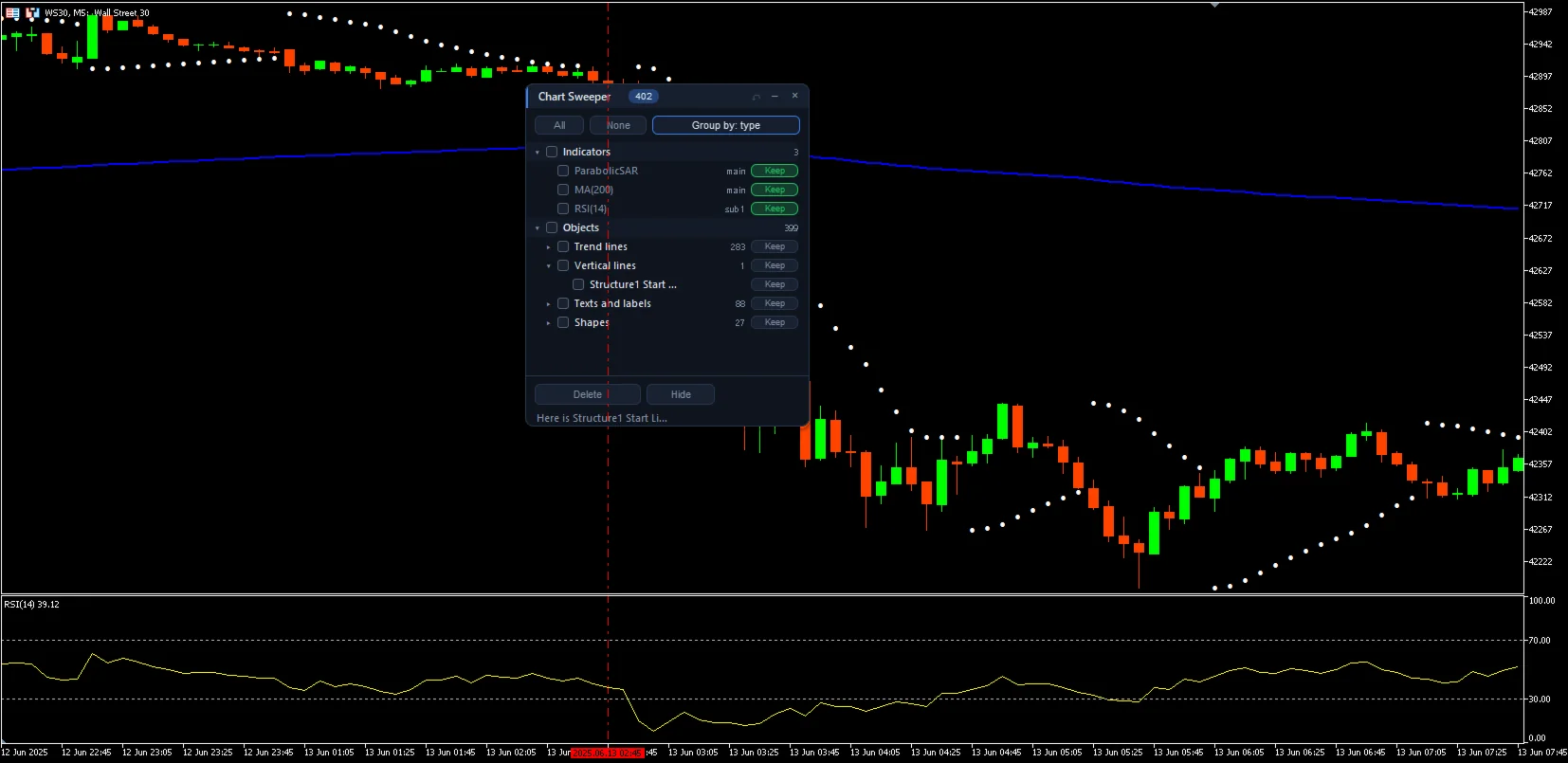
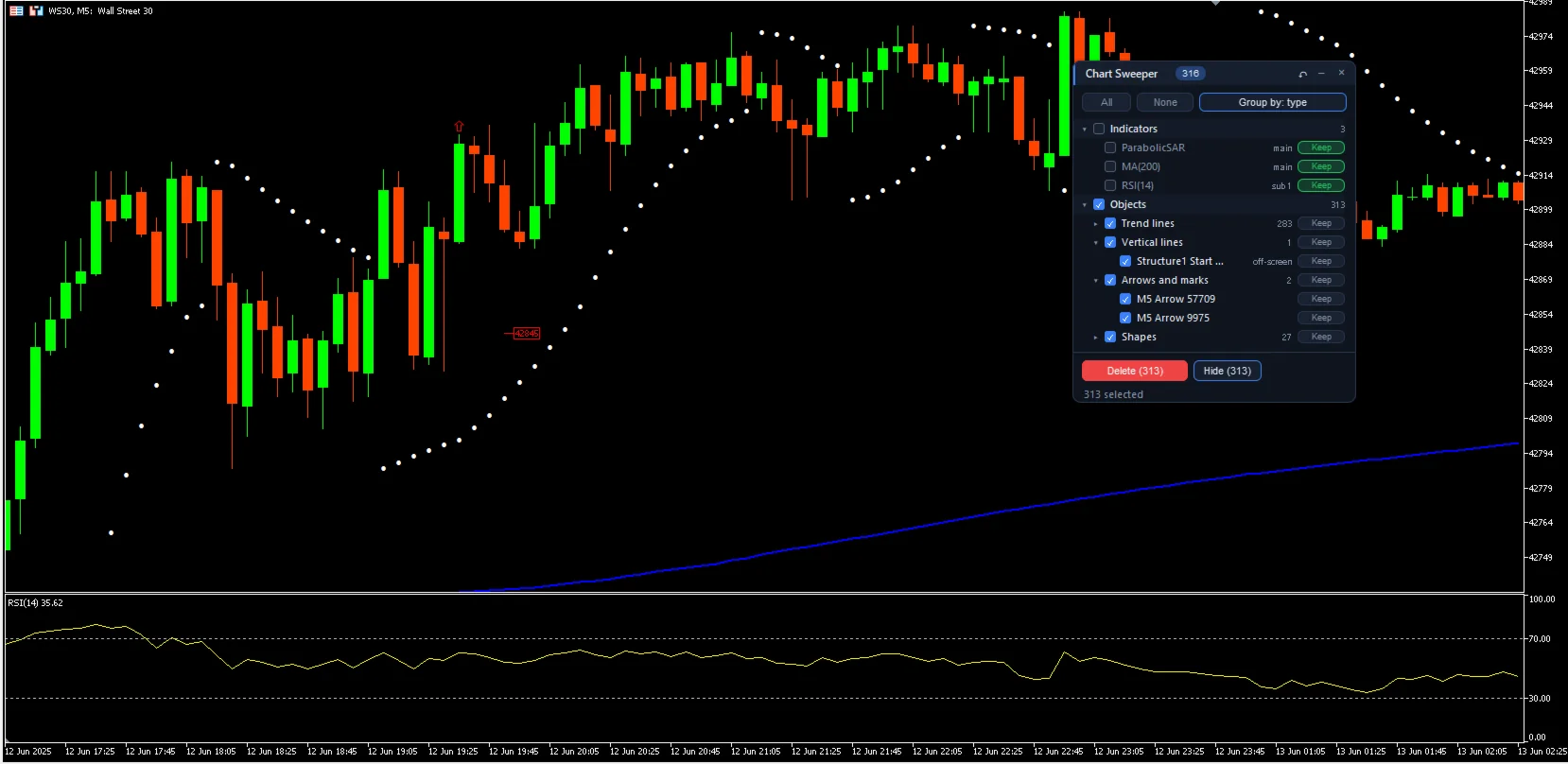
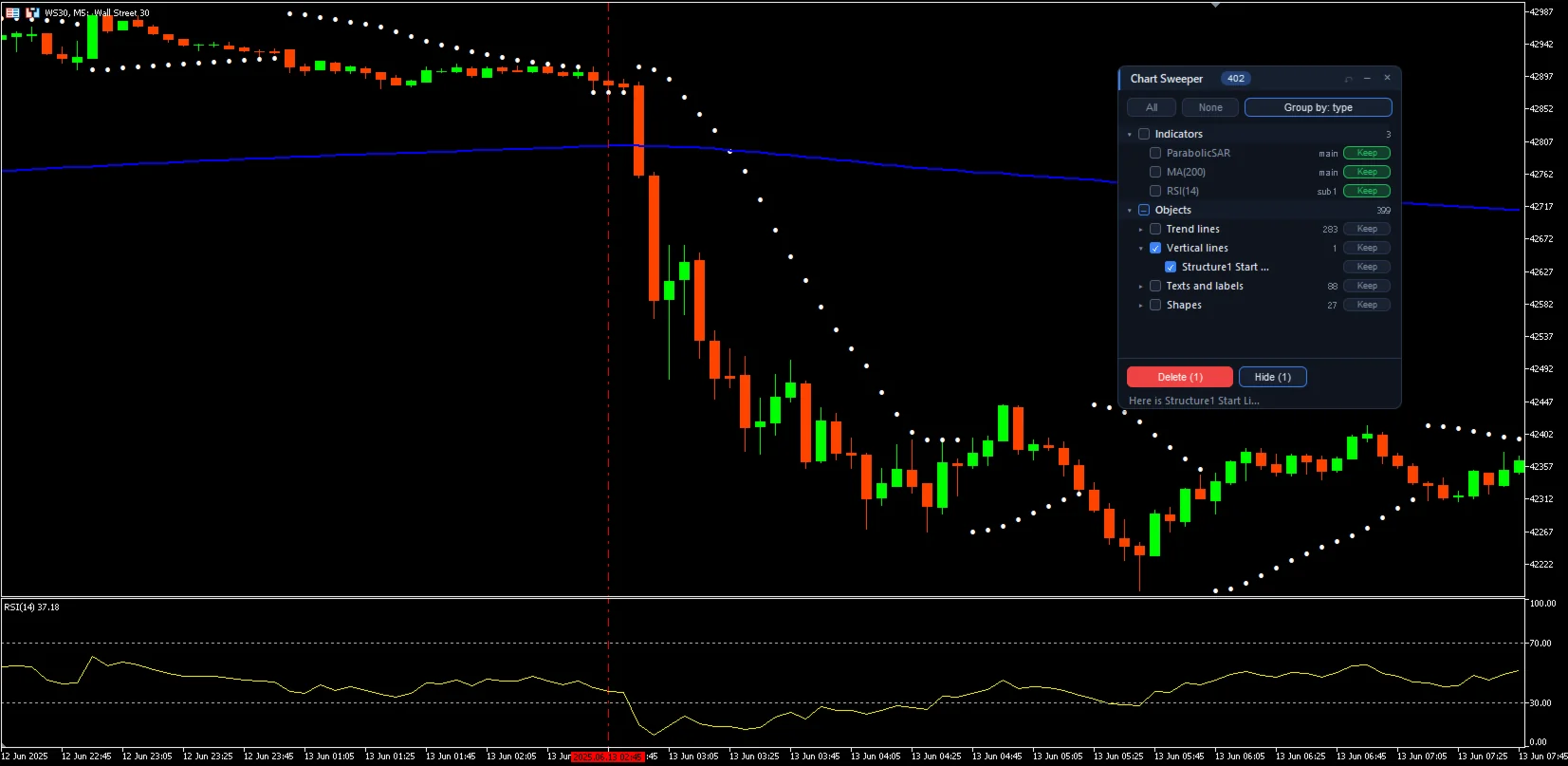
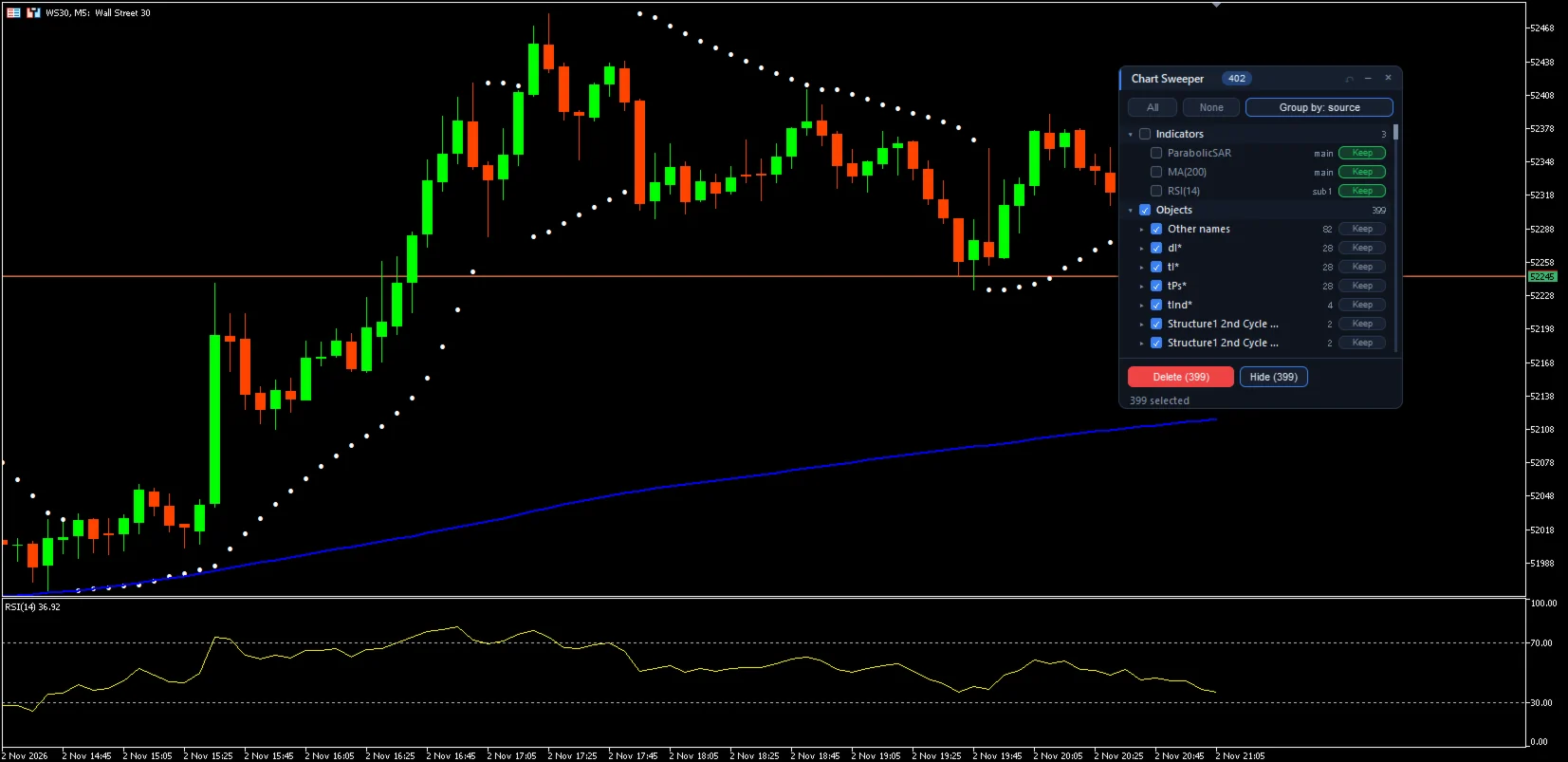
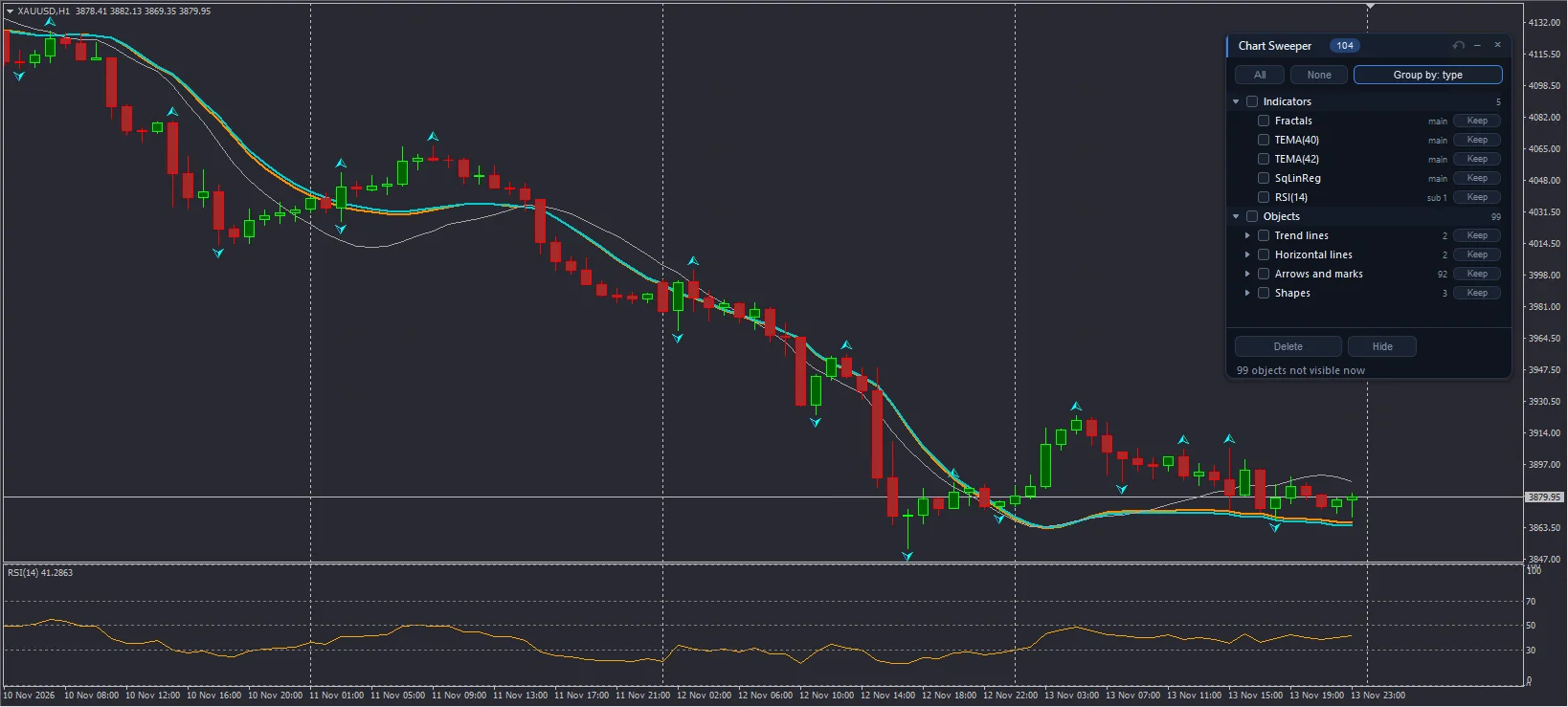
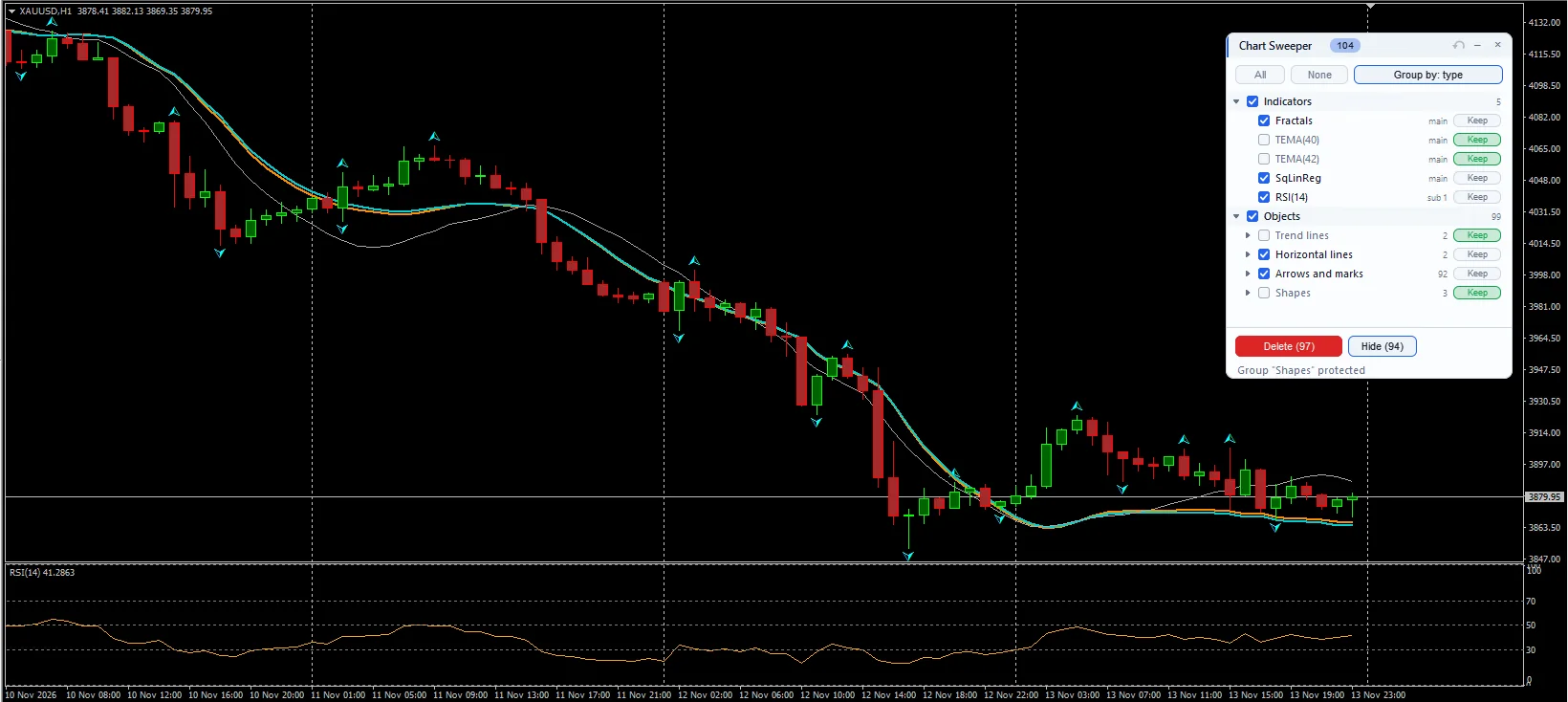
Screenshots taken on a demo account.
LanguageLanguage: English or Spanish.Panel themePanel theme: automatic, dark or light.Visible rowsVisible rows in the list: from 6 to 30.Chart Sweeper does not open, close or modify trades. It is a chart utility and works with any symbol and timeframe. Although it is listed under Utilities, it is an indicator: after downloading it you will find it in the Navigator under Indicators → Market. Drag it onto the chart you want to clean; it does not take the place of an EA running on that chart.
Sign in with your MQL5 account.
It will appear in the MetaTrader Navigator, under Indicators → Market.
The full user guide is in the Comments tab of its Market page; each platform has its own.
Yes. The MetaTrader 4 version is a separate product on the Market: download it with the “MT4” button.
No. It gives you the information and the plan; the decision to trade is always yours.
In the Comments tab of its MQL5 Market page, in English.
No, it is free. Download it from the Market and try it on your chart, ideally on a demo account first.
It never sends, modifies or closes orders: it only works on the chart with the data it needs.
Download it free on the MQL5 Market
Support and resistance zones turned into a plan with entry, stop, take profit and lot size, plus your whole account’s risk at a glance.
The free version of Zone Risk Planner: support and resistance zones and a plan with entry, stop, take profit and lot size.
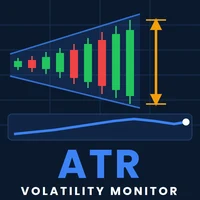
A panel that tells you whether the market is moving a lot or a little for that asset, with an ATR-based trailing stop.